Smart TV IPTV Setup Guide 2026
Install IPTV apps in no time with our comprehensive guide for Samsung, LG, Sony, and other major Smart TV brands. Follow the step-by-step instructions.
From Smart TVs to mobile devices, follow our easy-to-follow guides to set up Epix IPTV seamlessly. We provide in-depth tutorials for every step.
Install IPTV apps in no time with our comprehensive guide for Samsung, LG, Sony, and other major Smart TV brands. Follow the step-by-step instructions.
Our step-by-step tutorial offers a thorough Amazon Fire TV setup guide for Firestick, Fire Cube, and Fire TV, making IPTV app installation simple.
Optimize your streaming experience with our setup guide for Android TV boxes, Xiaomi Mi Box, NVIDIA Shield, and Chromecast with Google TV.
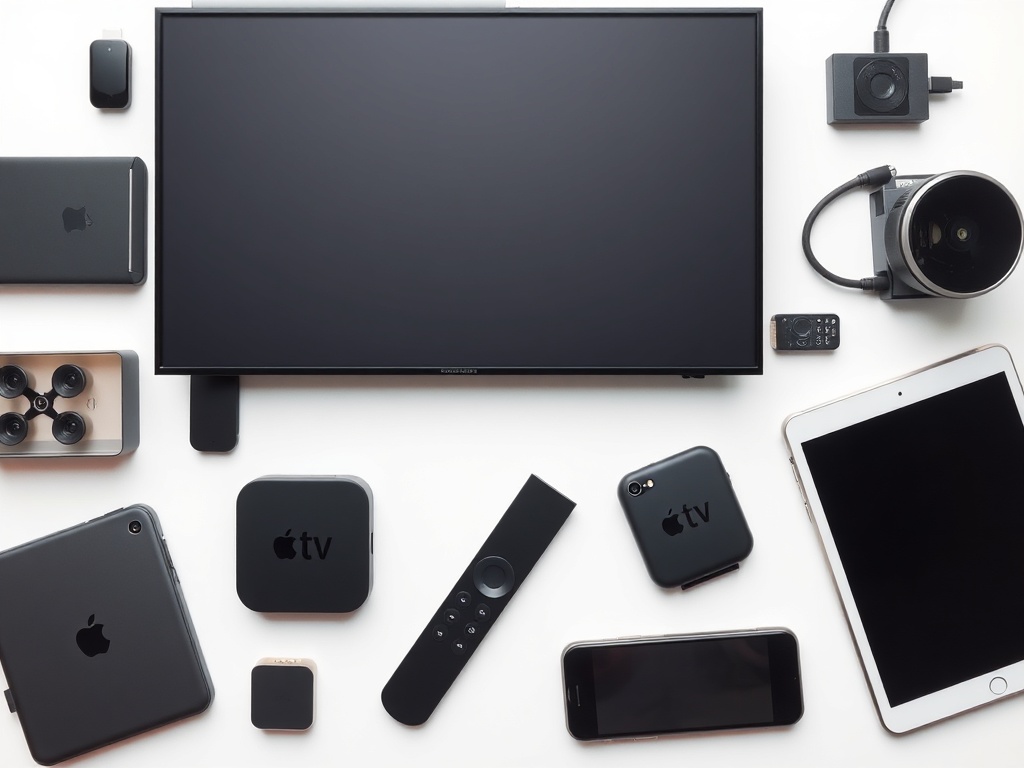
Configure Apple TV, iPhone, and iPad effortlessly. Supports iOS 17+ and tvOS 17+ for high-quality streaming on Apple gadgets.
Learn how to set up IPTV on Roku devices and TVs. Discover additional approaches and app suggestions tailored for Roku.
Set up IPTV on iOS devices for on-the-go viewing. Use tailored apps and settings for iPhone and iPad.
Step-by-step guide for Android mobile configuration. Supports Samsung, OnePlus, Google Pixel, and all Android platforms.
Configure IPTV on Windows 10/11 computers and laptops. Explore the best apps and enhancement strategies for desktop viewing.
Comprehensive installation process for macOS systems. Customized applications and configurations designed specifically for superior Mac streaming.
IPTV installation guide for Linux distributions including Ubuntu and Mint. Command-line instructions and freely available software.
Complete MAG box setup for various models from 250 to 424. Portal customization and advanced configuration options.
Configure IPTV on Enigma2 receivers such as Dreambox and VU+. Installation and setup of necessary plugins.
Complete installation process for Formuler models like Z8 and CC. MYTVOnline setup and performance tuning.
A minimum of 25 Mbps is needed for HD streaming, while 4K requires 50+ Mbps. For optimal reliability, connect via Ethernet whenever possible.
Your Epix IPTV username, password, and server URL must be kept accessible, as they are necessary for all installation processes.
For the widest device support and richest functionality, IPTV Smarters Pro is the recommended option.
Set video quality depending on your network speed. Enable EPG for program information and customize your preferred channels.
Our round-the-clock support team is available to assist with IPTV setup on all devices. Receive customized guidance for your particular configuration.